We work closely with the sellers and the community to bring the latest and greatest deals to you. We share genuine deals, vouchers and freebies.
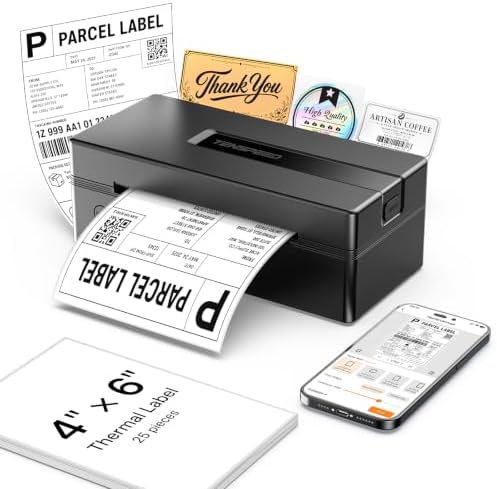
TENSPEED 4x6 Bluetooth Thermal Shipping Label Printer, Black | Wireless for Shipping Packages and Small Business, Compatible with Win/Mac/Android/iOS, Works with E-commerce platforms
A TENSPEED product from VeriPixel
Electronics at Amazon

This site contains affiliate links. If you click through and make a purchase, we may earn a commission (at no additional cost to you). This helps support our content and research.
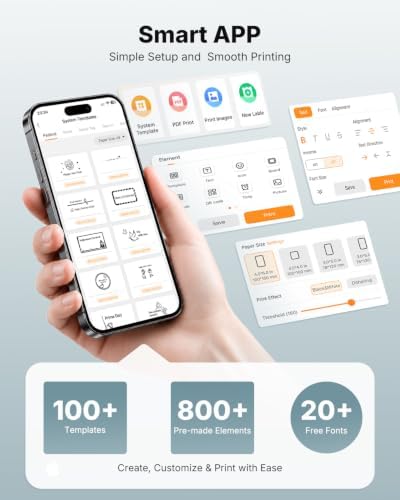
Phone/Tablet Start Print: Step 1: Refer to the instruction manual to download the APP; Step 2:Download APP in google play or ios app store; Step 3: Turn on the RP425A label printer and make a Bluetooth connection in the APP; Step 4: Click the "+" sign to complete the device connection and select the file type to start print
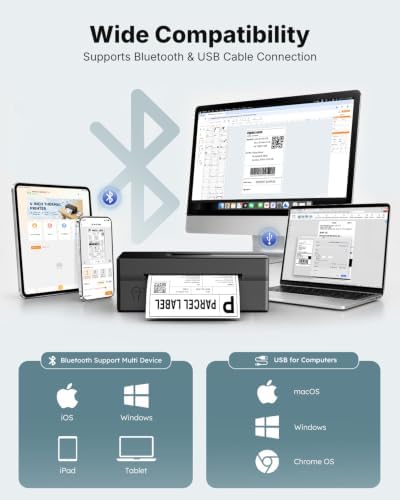
PC Start Print: Step 1:Please download and install the RP425A driver from the Instruction Card; Step 2: Connect with bluetooth or USB cable with your computer; Step 3: Select and open your document, and choose RP4xx in the printer list (For Chrome OS: Achieve seamless Bluetooth pairing through the matching extension)
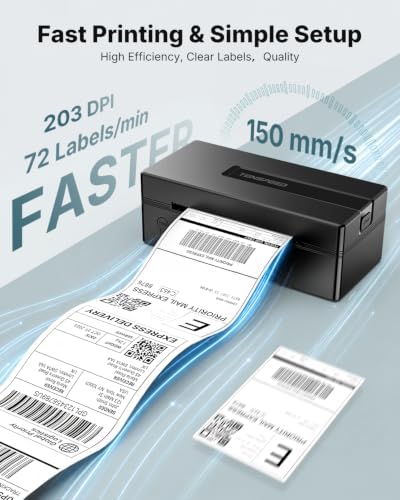
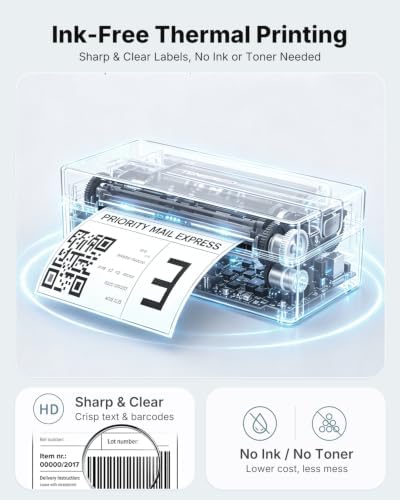
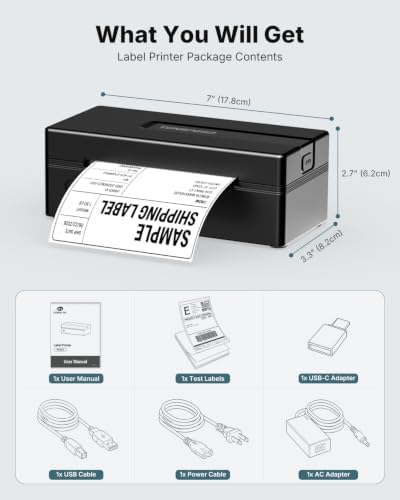
High-Speed and Easy Set: Easy setup. The package includes TENSPEED RP425A Printer, User Manual, Instruction Card, Type-C Adapter, you can set up as needed. Print up to 60 labels per minute (150mm/s). Direct thermal technology, no ink or other consumables needed. Easy set and print via app
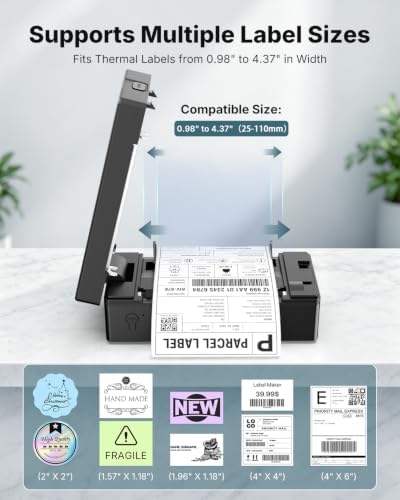
Automatic Label Detection: TENSPEED RP425A printer can automatically catch and feed the label and supports label width range from 0.98" to 4.37", it is good for printing shipping and warehouse labels, also suitable for own business, RP425A label printer has small size (3.26*2.56*7.08 inch), weight only 1.25lb, portable design is easy to move and save desk space
Compatibility: TENSPEED RP425A printer support IOS/Android phone&tablet. Works with WINXP/WIN7/WIN8/WIN10/WIN11/MAC/Chrome. Compatible with all major shipping and e-commerce platform
Note: Apple laptops with Intel chips do not support Bluetooth connection.